
Favicon Sizes Guide: Every Size and Format You Need
The exact favicon sizes for browsers, Google Search, Apple devices, and PWAs — plus which formats to use and the HTML to add them.
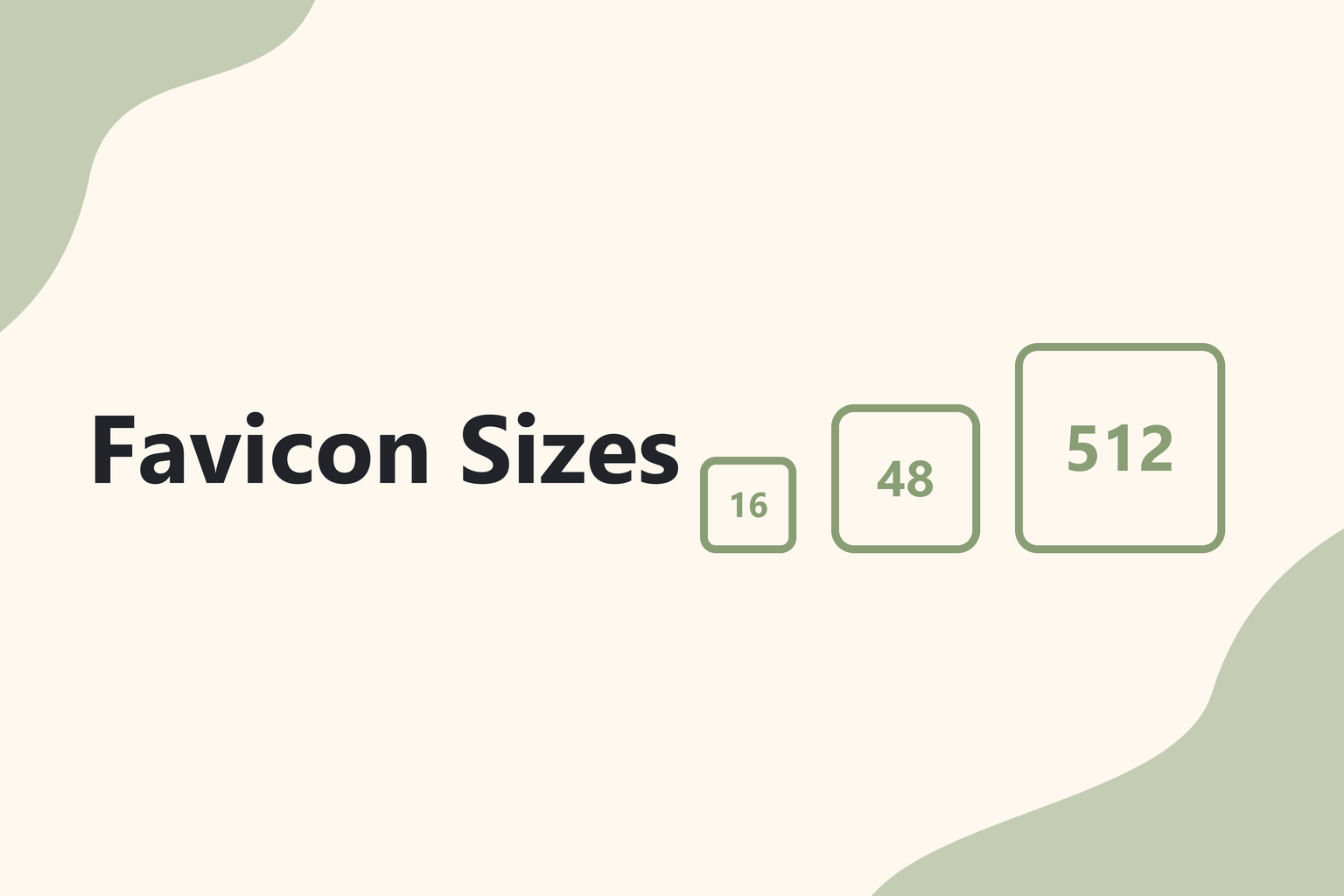
A favicon is the small icon that shows up in browser tabs, bookmarks, search results, and on phone home screens. Each of those places wants a slightly different size, which is why "what favicon size do I need?" has a surprisingly long answer. This guide gives you the short version: the handful of sizes that cover every modern browser and device.
The short answer
If you only remember one thing: start from a square image at least 512 × 512 px, then export these sizes from it.
| Size | Format | Where it's used |
|---|---|---|
| 16 × 16 | ICO / PNG | Browser tabs, bookmarks |
| 32 × 32 | ICO / PNG | Browser tabs on high-resolution screens, taskbar shortcuts |
| 48 × 48 | ICO / PNG | Google Search results, Windows site shortcuts |
| 180 × 180 | PNG | Apple touch icon (iPhone and iPad home screen) |
| 192 × 192 | PNG | Android home screen, PWA manifest |
| 512 × 512 | PNG | PWA splash screens and install prompts |
The 16, 32, and 48 px versions are usually bundled together into a single favicon.ico file.
Browser tab favicons: 16, 32, and 48 px
Browsers pick the closest size to what they need. A tab on a standard screen shows the icon at 16 × 16 px; on a high-resolution (Retina) display it uses 32 × 32 px. Shipping both inside one favicon.ico means every browser gets a crisp icon without you adding several <link> tags.
At 16 px you have just 256 pixels to work with, so simplify. Thin lines, small text, and detailed photos turn to mush. A bold letter, a simple shape, or your logo mark on its own works far better than a full logo.
Google Search favicons
Google shows your favicon next to your site in search results. Google's guidance is to use a square icon that is a multiple of 48 px (48 × 48, 96 × 96, 144 × 144 and so on), or an SVG. A 48 × 48 px icon in your favicon.ico covers this.
Google also needs to be able to crawl both your home page and the icon file, and it only picks up changes when it recrawls your site — so a new favicon can take days or weeks to appear in search.
Apple touch icon: 180 × 180 px
When someone adds your site to their iPhone or iPad home screen, iOS uses the apple-touch-icon. The current size is 180 × 180 px, saved as a PNG. Don't add transparency or rounded corners yourself — iOS rounds the corners automatically, and transparent areas can show up black.
Android and PWA icons: 192 and 512 px
If your site has a web app manifest (manifest.webmanifest), list a 192 × 192 icon for the home screen and a 512 × 512 icon for splash screens and install prompts. These are also what Chrome uses when someone installs your site as an app.
For Android's adaptive icons you can mark an icon as maskable. Keep the important part of the design inside the central safe zone (roughly the middle 80%), because Android may crop it into a circle or squircle.
ICO, PNG, or SVG?
- ICO — the most compatible format. One file can hold several sizes. Use it for
favicon.icoat the root of your site. - PNG — the standard for apple-touch-icon and manifest icons. Sharp, supports transparency, and every platform accepts it.
- SVG — one scalable file that stays sharp at any size and can even switch colors in dark mode. Most modern browsers support SVG favicons, but support isn't universal, so always keep an ICO or PNG fallback.
The HTML to add
Place the files in your site's root folder and add this to the <head> of every page:
<link rel="icon" href="/favicon.ico" sizes="any">
<link rel="apple-touch-icon" href="/apple-touch-icon.png">
<link rel="manifest" href="/manifest.webmanifest">
And in your manifest:
{
  "icons": [
    { "src": "/icon-192.png", "sizes": "192x192", "type": "image/png" },
    { "src": "/icon-512.png", "sizes": "512x512", "type": "image/png" }
  ]
}
Need step-by-step instructions for WordPress or Shopify too? See our guide on how to add a favicon to your website.
Common favicon mistakes
- Starting from a tiny image. Upscaling a 32 px icon to 512 px looks blurry. Always start big and scale down.
- Using your full logo. Wordmarks become unreadable at 16 px. Use a simplified mark or initial.
- Forgetting the square crop. Non-square images get squashed or padded. Crop to a square first.
- Low contrast. Your icon sits on light and dark browser tabs. Test it on both.
Generate every size in one go
You don't need a design app to export six sizes by hand. Upload a photo or logo to the Pixlory Favicon Maker, crop it to a square, and download favicon.ico plus every PNG size listed above — free, right in your browser.
Related posts
How to Add a Favicon to Your Website (HTML, WordPress & Shopify)
Step-by-step instructions to add a favicon to any website — plain HTML, WordPress, or Shopify — and how to fix a favicon that won't update.
How to Submit URLs to IndexNow (Step by Step, Free)
A step-by-step guide to setting up IndexNow — create a key, upload the key file, submit URLs to Bing and other search engines, and fix common errors like 403 and 422.

What Is IndexNow? How It Works and Which Search Engines Use It
IndexNow explained in plain English — how it gets new pages indexed faster on Bing and other search engines, what it doesn't do, and whether it helps with Google.