
Pinterest Pin Dimensions and Aspect Ratios Explained
The exact sizes Pinterest recommends, why 2:3 works best, and how to avoid awkward crops in the feed.
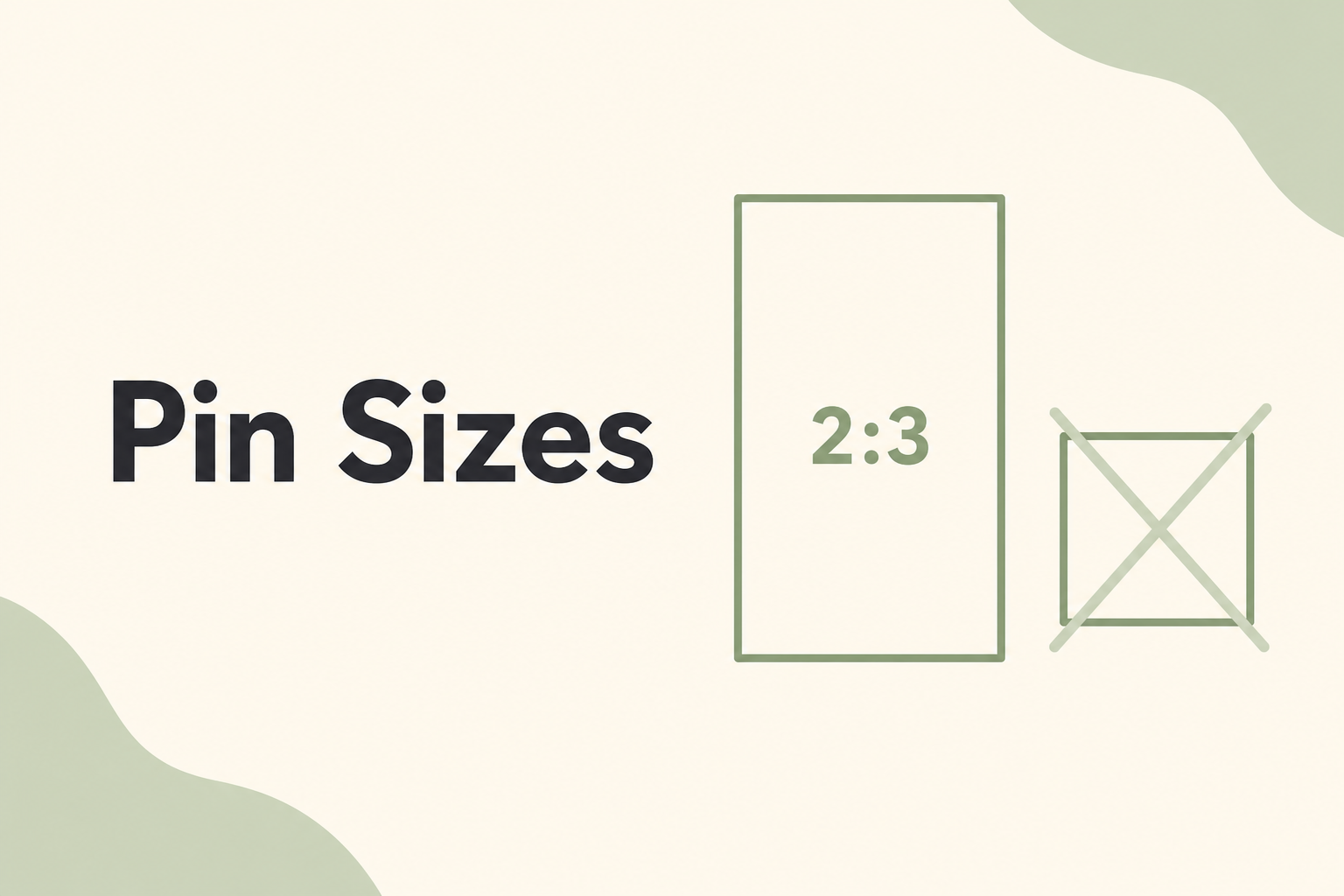
Getting pin dimensions wrong is one of the fastest ways to lose clicks. A pin that gets cropped awkwardly in the feed looks unprofessional and gets scrolled past.
The ideal ratio: 2:3
Pinterest recommends a 2:3 aspect ratio for standard pins. Common pixel sizes include:
- 1000 × 1500 px — the most widely used
- 735 × 1102 px — a slightly smaller alternative
- 600 × 900 px — acceptable for quick drafts, but export larger when possible
Taller pins occupy more vertical space in the home feed, which increases visibility.
What to avoid
Square pins (1:1) take up less feed real estate and generally underperform compared to vertical formats for organic reach.
Extremely tall pins (beyond roughly 2:3.5) may get truncated in some views. Stick close to the 2:3 sweet spot unless you have a specific reason to go taller.
Horizontal images are a poor fit for Pinterest's layout. If your source photo is landscape, crop or extend it vertically rather than posting as-is.
File format and size
Export as PNG for graphics with text overlays, or JPEG for photographic content. Keep file sizes under 20 MB — Pinterest's upload limit — but aim for high quality within that cap.
Quick reference
| Format | Ratio | Best for |
|---|---|---|
| Standard pin | 2:3 | Blog posts, recipes, tutorials |
| Idea Pin | 9:16 | Story-style, multi-page content |
| Square | 1:1 | Profile images, some ads |
When in doubt, design at 1000 × 1500 px and you will be covered for the vast majority of use cases.
Use the Pixlory Pinterest pin generator to export pins at the correct vertical size automatically.
Related posts
Why Vertical Pins Outperform Square and Horizontal Images
The data behind Pinterest's 2:3 preference and how to convert any source image to vertical format.
Color Psychology for Pinterest Pins That Convert
Which colors grab attention in the feed, how to build a palette, and when to break the rules.
7 Pinterest Pin Design Best Practices That Actually Get Clicks
Proven design principles for pins that stand out in the feed and earn saves, not just impressions.