
YouTube Thumbnail Size Guide: Dimensions, Format & Design Tips
The right YouTube thumbnail size (1280 × 720), file format and size limits, plus design tips that help your videos get more clicks.
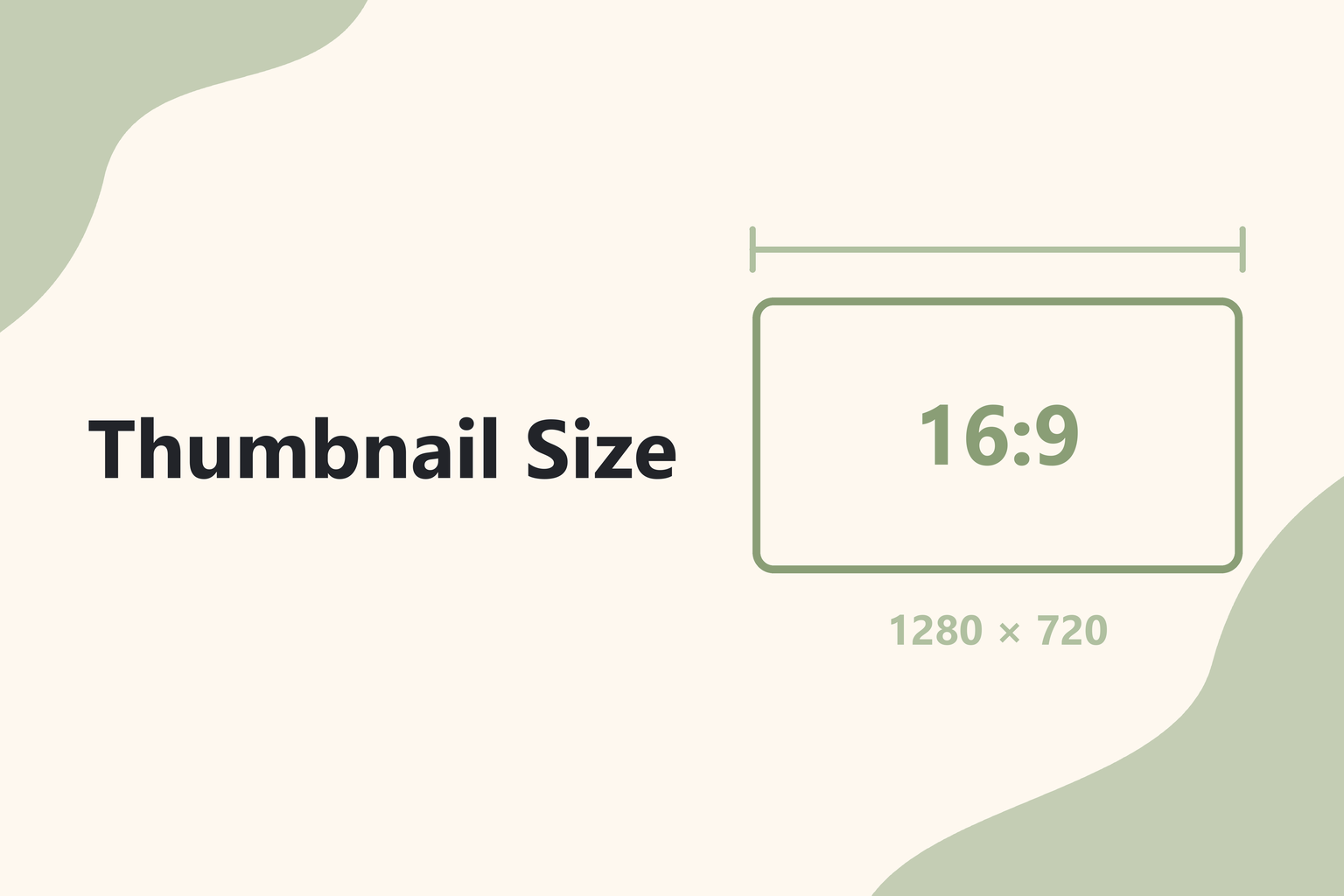
Your thumbnail is the first thing people see before they decide whether to watch. It appears in search results, on the home feed, in suggested videos, and on TVs — often much smaller than you designed it. Getting the size right is the easy part. Making it readable at a glance is what earns the click.
The recommended YouTube thumbnail size
| Spec | Recommendation |
|---|---|
| Resolution | 1280 × 720 px |
| Minimum width | 640 px |
| Aspect ratio | 16:9 |
| File formats | JPG, PNG, or GIF (non-animated) |
| File size | Under 2 MB |
1280 × 720 px matches YouTube's 16:9 player and looks sharp on large screens. If your image is smaller or a different shape, YouTube will scale or letterbox it, which can blur text or add black bars.
Tip: keep the file under 2 MB by exporting as a high-quality JPG. PNG is great for flat graphics and text, but photos saved as PNG often exceed the limit.
How to upload a custom thumbnail
- Open YouTube Studio and go to Content.
- Click the video you want to edit.
- Under Thumbnail, choose Upload file and select your image.
- Click Save.
If you don't see the upload option, your account probably isn't verified yet. YouTube requires a verified account (usually phone verification) before you can upload custom thumbnails.
Design tips that get more clicks
Design for the small version
Most people see your thumbnail at a fraction of its full size, especially on mobile. Before you publish, shrink it to around 200 px wide and check whether you can still tell what the video is about.
Use fewer words, in bigger type
Three to five words is usually the maximum. Your title already does the explaining; the thumbnail should add curiosity or context. Use a bold, thick font and add an outline or shadow so text stays readable on busy backgrounds.
Show a face or a clear subject
Close-up faces with a clear expression and a single, obvious subject tend to stand out in a crowded feed. Avoid tiny details and cluttered backgrounds.
Use strong contrast
Bright subjects on darker backgrounds (or the reverse) pop on both light and dark YouTube themes. Avoid placing important elements next to YouTube's red and white interface colors where they can blend in.
Keep the bottom-right corner clear
YouTube overlays the video length in the bottom-right corner. Don't put text or key details there.
Stay consistent
Using the same fonts, colors, and layout across your videos makes your channel instantly recognizable to returning viewers.
Don't mislead
Thumbnails that promise something the video doesn't deliver may get a click, but they hurt watch time and trust — and they can break YouTube's policies.
Thumbnail checklist
- 1280 × 720 px, 16:9
- JPG or PNG, under 2 MB
- Readable at a small size
- Three to five words, maximum
- Nothing important in the bottom-right corner
- Matches what the video actually delivers
Want to study what works in your niche? Use the free Pixlory YouTube Thumbnail Downloader to grab the thumbnail of any video in every available size. Our guide on how to download a YouTube thumbnail in HD walks through it.
Related posts
How to Download a YouTube Thumbnail in HD (Free & No App)
Download the thumbnail of any YouTube video in HD in a few seconds — with a free tool or straight from YouTube's image URLs. Plus every size explained.
How to Submit URLs to IndexNow (Step by Step, Free)
A step-by-step guide to setting up IndexNow — create a key, upload the key file, submit URLs to Bing and other search engines, and fix common errors like 403 and 422.

What Is IndexNow? How It Works and Which Search Engines Use It
IndexNow explained in plain English — how it gets new pages indexed faster on Bing and other search engines, what it doesn't do, and whether it helps with Google.